

AI can produce impressive wireframes, prototypes, and even working interfaces in seconds. But I’ve found that this often encourages teams to skip over the thinking that should come first. We start discussing screens before we’ve agreed on the core concepts, relationships, information architecture, or even what problem we’re trying to solve.
That’s what inspired a recent post
 Jess Eddy
The article introduces 10 lightweight artifacts that help teams clarify product thinking before moving into design.
To make those techniques easier to use, I turned them into a Claude Skill.
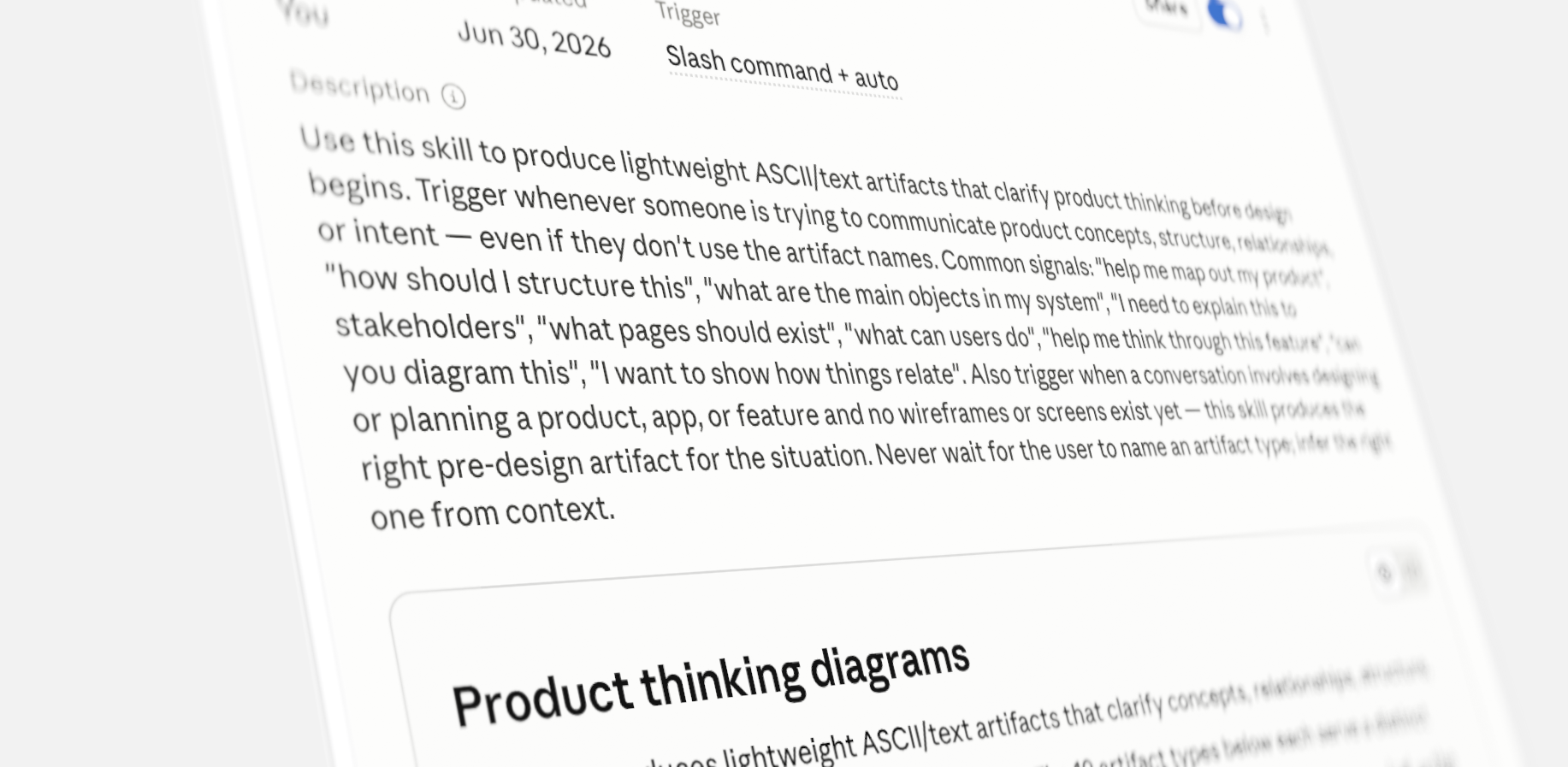
With the skill, all you have to do is describe your situation, and it automatically chooses the right artifact for you. There’s no need to recall tool names, prompts, or which approach fits best.
Instead of asking Claude to generate a UI, describe your product or feature. The skill determines which artifact will best clarify your thinking, then generates it automatically.
It’s especially useful when you’re asking questions like:
- We have an idea, but what exactly are we building?
- What are the main objects in this system?
- How do these things relate to one another?
- What pages do we actually need?
- What information belongs on this screen?
- What are users actually trying to accomplish?
- Before we prototype this, can we make sure we’ve thought it through?
I originally created these artifacts because I saw how easy it was to skip the fundamentals and move too quickly into prototypes. More recently, I’ve been using them with engineers to align on concepts, relationships, structure, and intent before anyone starts designing or building.
The output is deliberately lightweight, simple text and ASCII diagrams rather than polished visuals. A concept statement or relationship diagram often does more than another prototype.