Figma Config 2026 landed at a turning point for design. We’re living in an age of rapid acceleration, with generative AI compressing the time it takes to craft, generate components, and write code.
Note: Not all Config talks are live yet, these takeaways reflect the handful currently available, which already reveal where the industry is heading.
Watch these sessions back-to-back, and a striking counter-narrative emerges: as technical barriers fall, the value of human judgment, endurance, vulnerability, and vision skyrockets. As Figma CEO Dylan Field put it, the question is no longer whether it can be made, but what you would make if you could make anything.
As you read the following summaries, keep three recurring themes in mind:
1. From execution to orchestration
We are no longer just pixel-pushers; we are system orchestrators. Chelsea Larsson emphasized that language is now a primary design medium, prompting designers to move upstream to shape AI’s behavior and mental models. Holly Herndon introduced “protocol art,” arguing that the future of design lies in building the rules, incentives, and networks that draw better thinking from people, not just cranking out outputs.
2. The crisis of confidence and the need for defensibility
AI lets one designer do the work of a hundred, but speed doesn’t guarantee quality. Bobby Meixner found a 6:1 gap between how fast designers are moving and how confident they feel. As machines take over generation, human judgment is a scarce resource. Leaders stressed that defending the vision, validating with users, and designing against harmful patterns remain human burdens—we can’t offload them to algorithms.
3. Creative endurance and the real world
Perhaps the most powerful theme: you can’t prompt the human spirit. Socrates Heres argued that AI can speed up a first draft, but it can’t compress the sweat and discipline it takes to build a lasting career. Vicki Tan echoed this, sharing how we must follow our restless energy to create work that’s unmistakably ours. Jésabel DC challenged us to build tools that “activate reality,” returning users to real life rather than trapping them in digital worlds.
The existential dread of the AI era is real, but these talks prove the designer’s role isn’t dying, it’s evolving. Here are the biggest takeaways from Config 2026’s first live sessions.
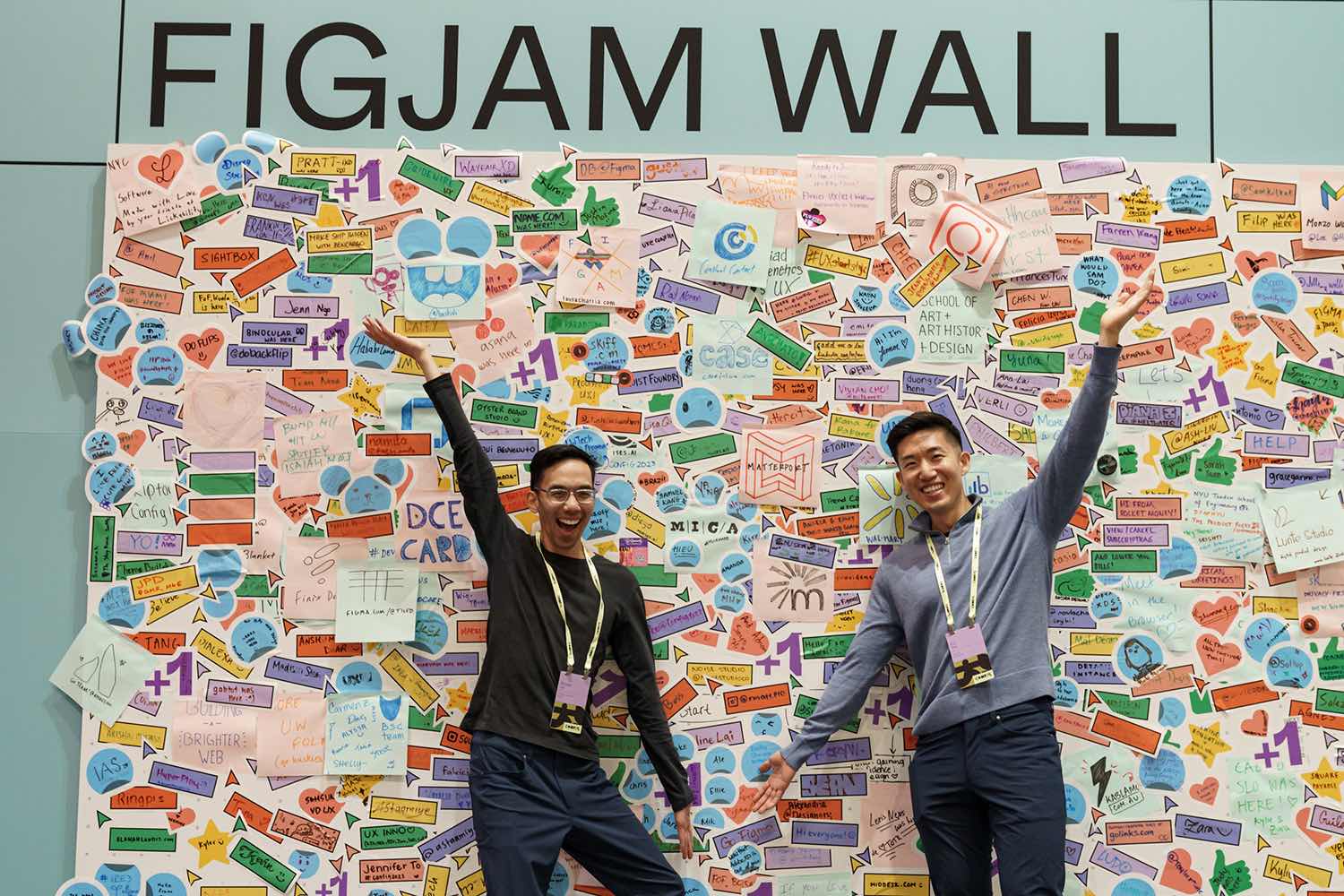
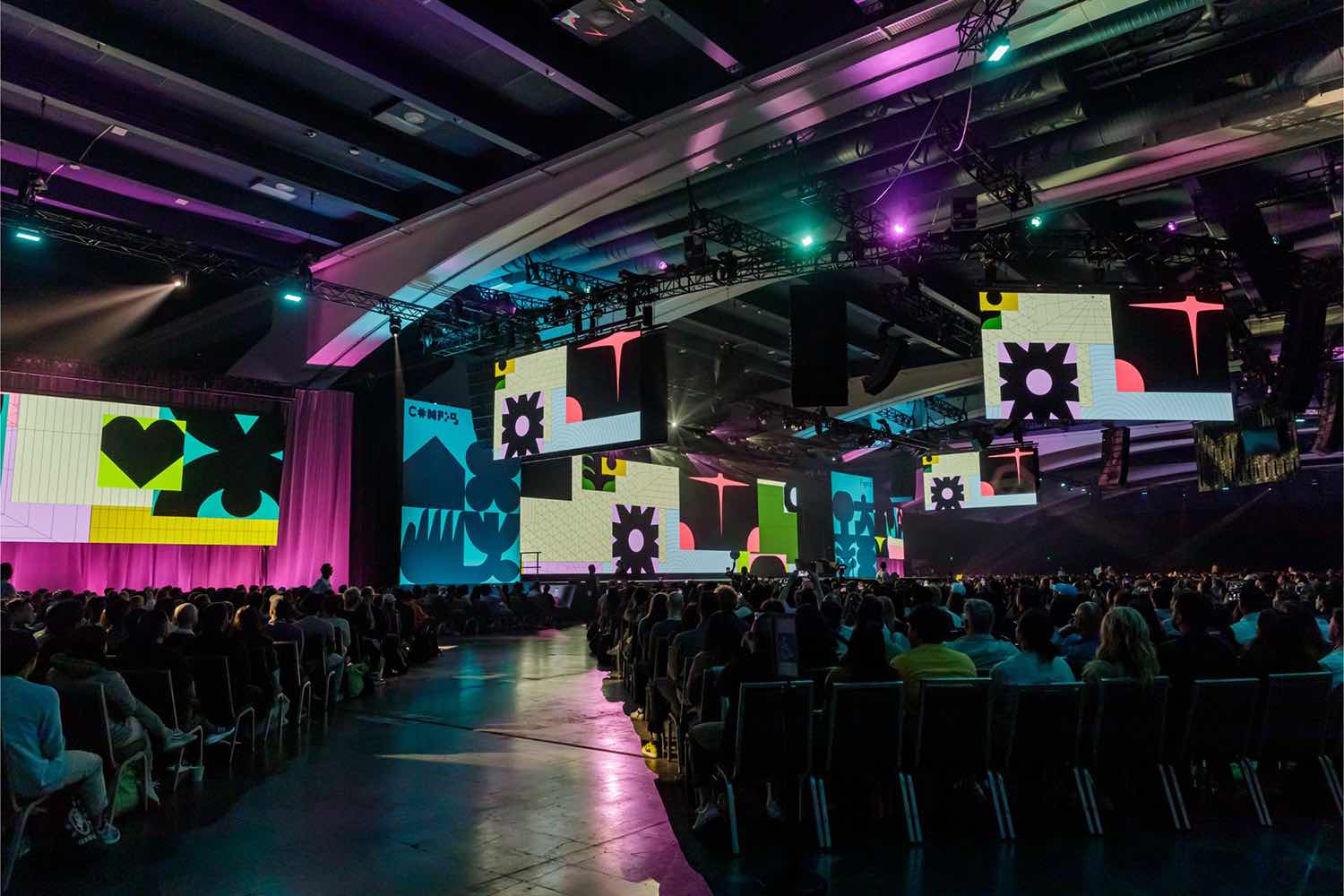
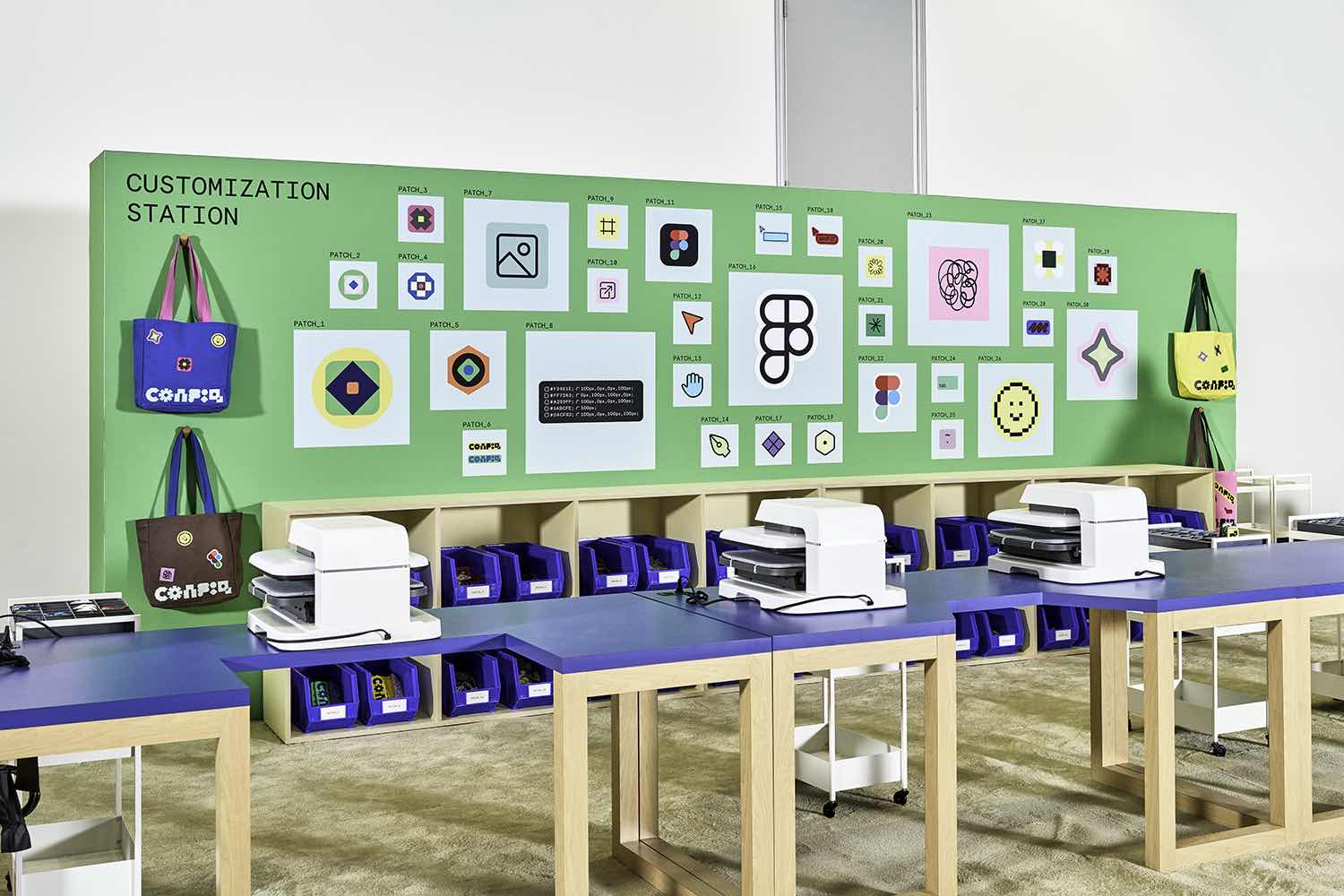
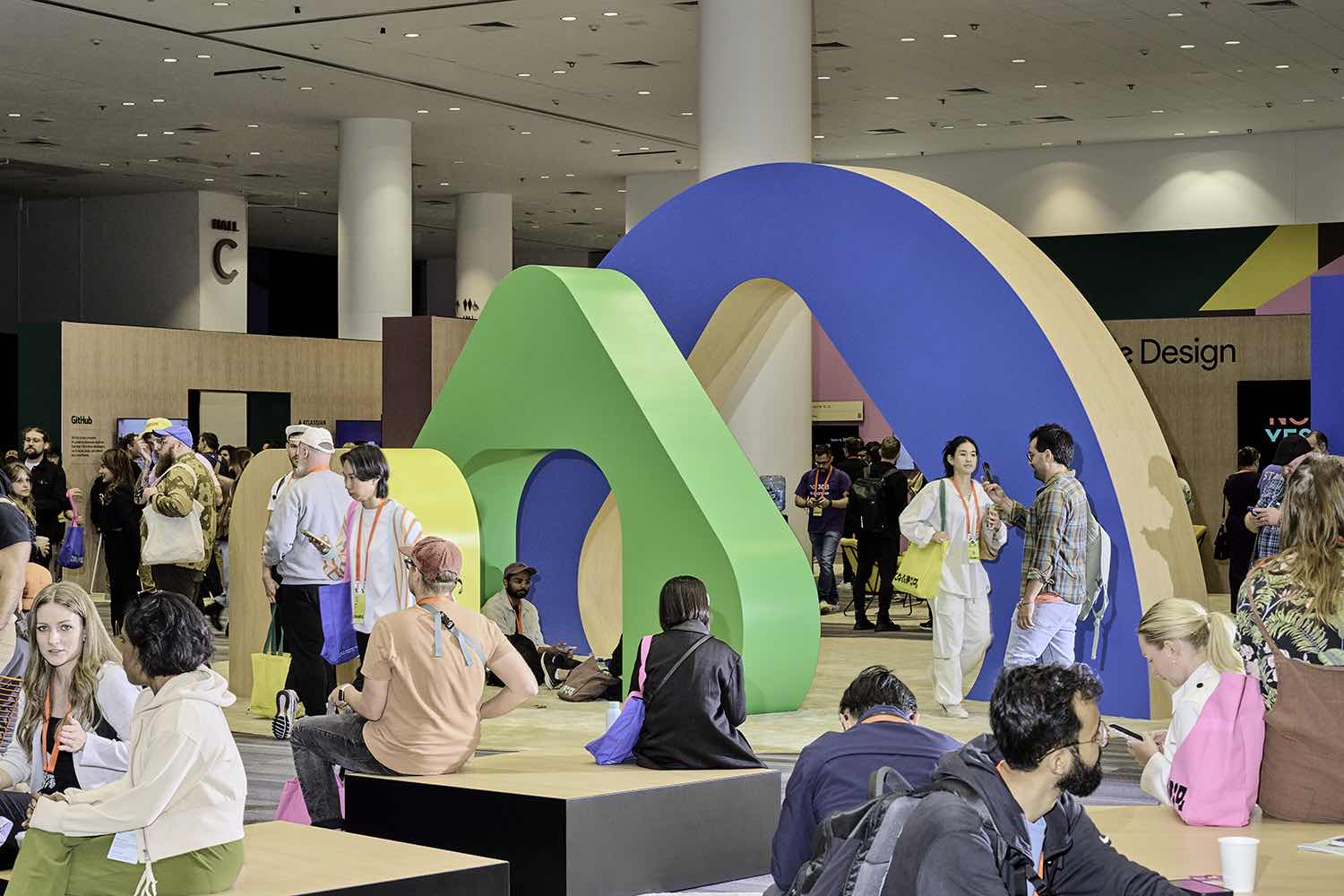


Images courtesy of Figma
Config 2026 Keynote
Dylan Field (CEO & Co-founder, Figma)
For years, many believed that only those who could code would shape the future, and that knowing how something should look and feel was not enough. This belief sparked a persistent “design versus code” debate. But as Figma CEO Dylan Field argues, this is a false choice. With AI making technical work more accessible, the real question is:
How do we empower people to reach new creative heights?
Today, AI’s rise has made collaboration between designers and developers more fragmented. Many now work in isolation, each using separate AI tools and trading prototype recordings for inspiration. At Figma’s 2026 Keynote, the company addressed this challenge by announcing major updates that unify code, motion, and visual effects on a single shared canvas.
Bridging the gap: Code is now a design material
To bridge this gap, Figma introduced Code Layers, bringing code directly onto the design canvas. Designers and developers no longer need separate preview windows. Teams can import GitHub repositories or upload local folders to the canvas and view multiple coded prototypes side by side.
Code Layers work seamlessly with familiar design actions. Designers can branch a coded prototype by holding Option and dragging the layer. The new “Extract Design” feature lets you record a user flow and instantly convert it to a top-down view of static states. You can then experiment with empty states or UI updates, and Figma will automatically detect changes and update the code layer with minimal effort.
Democratizing complex visuals: Native motion and shaders
Figma is expanding its capabilities so teams are no longer limited by their tools. Advanced skills like motion design and shader creation are now built directly into the browser.
Figma Motion makes the timeline a core design element, including keyframes, easing controls, and 3D transforms on the X, Y, and Z axes. Because it’s integrated into Figma’s main platform, multiple designers can collaborate on the same timeline, and animations update automatically as designs evolve.
Alongside Motion, Figma introduces Shaders for fills and effects. Previously, these effects required complex math, but now designers can use the Figma agent to create progressive blurs, glass effects, caustics, and mesh gradients simply by uploading a reference image. Shaders feature on-canvas handles, support layering for complex effects, and are fully animatable, reacting in real time to anything moving in Figma Motion.
Scaling systems: Node-based workflows and generative plugins
For design leaders seeking to scale systems and maintain consistency, separate AI text prompts aren’t enough. After acquiring Weave, Figma added node-based creative workflows to the tools panel. These tools let teams run repeatable tasks, like creating smooth 360-degree product videos or batch-applying style changes to large photo libraries, ensuring consistency across assets.
Figma also empowers teams to quickly build custom tools. With Generative Plugins powered by Agent Express, designers can ask the Figma agent to create plugins instantly, no coding or extra apps required. Whether your team needs a bento grid randomizer or a tool that imports real F1 race data, plugins appear directly in the properties panel and are easy to share. To speed up repetitive tasks, the agent now supports “Skills,” allowing teams to save common prompts as slash commands for tasks such as automated compliance checks. By unifying code, motion, custom tools, and shaders into a single connected canvas, teams can finally break out of silos and create at the speed of thought.
The marathon designer: creative endurance beyond prompts and pixels
Socrates Charisis, Founder & Designer, Quintessential
While the industry debates whether AI will replace developers and designers, Socrates Heres, co-founder of Athens-based studio Quintessential, offered a much-needed, deeply human perspective at Config. He reminded us that while generative tools can accelerate first drafts and automate routine work, they cannot compress the sweat, discipline, and study needed for a lasting creative career. As Heres put it: “You can’t really prompt creativity. And you can’t really prompt endurance.”
For design leaders, this talk was a masterclass in cultivating resilience and protecting the maker mentality in a constantly shifting landscape.
Hiring for the unlookable maker
Heres challenged the standard hiring playbook. After reviewing dozens of near-identical portfolios for an open role, he realized he wasn’t seeing anyone’s true potential. A standard portfolio, he noted, is just a snapshot of the past, not a forecast of the future.
Instead of hiring for pedigree, Quintessential hires for side quests. Heres shared the story of hiring a motion graphics video editor for a design engineer role, not because their portfolio was polished, but because it showed the candidate spent free time building custom variable fonts, making iOS games, and wrestling with inverted corners in CSS. The lesson for Principals and Leads: bet on the unlookable hire, people who build out of relentless curiosity, not just to fill a brief.
Protecting IP: Combating the order taker trap
A core leadership challenge is preventing burnout as high-performing teams face a relentless pace of execution. Stacking heavy projects drains the joy from your best builders, turning passionate makers into order takers and fueling quiet quitting.
To counter this, Quintessential launched Maker Months. Every other month, Friday mornings are reserved for three uninterrupted hours of pure creative time. No client briefs, no expectations, no approvals, just space to learn a tool, brainstorm, or build internal prototypes. Heres urges leaders to treat internal ideas as IP worth protecting, even if it means pushing back client meetings to safeguard that time.
Surviving the 30-kilometer wall
Drawing on his marathon experience, Heres compared mid-project burnout, like tackling a massive rebrand while juggling daily work, to the 30-kilometer mark in a race. At this point, your overarching why is no longer enough to justify the pain, and even encouragement from the sidelines can feel like a burden.
For senior designers navigating complex, multi-month shifts, the way through isn’t to fixate on the finish line. Instead, you rely on discipline and focus on the immediate next step. Each small detail, each conversation, and each tiny interaction compounds, and it’s this mastery of fundamentals that eventually brings inspiration and creativity back to the door.
Ready for the world
Vicki Tan, Designer and Author
Many experienced designers eventually hit a wall that is neither anxiety nor boredom. It’s a restlessness, a sense that something inside you wants to go somewhere, even if you can’t say exactly where. Drawing from Jungian psychology, Vicki Tan identifies this as a “floating charge of energy not attached to its right object,” or what Traditional Chinese Medicine calls “stagnant chi.”
Tan’s talk chronicled her journey to channel this stagnant chi, which led her to design and write an adult choose-your-own-adventure book about decision-making, entirely in Figma. Her process revealed three crucial insights for design leaders seeking to channel their own creative energy.
Theory doesn’t change behavior; design does
With a background in behavioral science, Tan was fascinated by cognitive biases and why we get stuck. But she realized that simply naming a mechanism, like loss aversion or status quo bias, rarely changes behavior. When helping a friend find the courage to quit her job, explaining the science didn’t help. It was only when Tan framed the decision through a relatable story about Mapo Tofu and living on a self-sustaining budget that her friend became unblocked.
For design leaders, this is a reminder of our core function: not to explain how complex systems work, but to change behavior by showing what’s possible. The job is to translate intimidating concepts, like a career change, into small, recognizable choices users can see themselves in.
The trap of the “too polished” design
When venturing into new territory, like designing a book, it’s tempting to over-index on professional polish. Tan leaned on her UX background to design the proposal as a UI flowchart. For the visuals, she hired professional illustrators and a cover designer.
Publishers rejected the professional designs; they were too polished and felt disconnected from her voice. Ultimately, Tan used her own unrefined illustrations and cover concepts. The lesson for senior creators: authenticity often trumps pristine execution. Sometimes the work must be unmistakably yours, using the actual skills and quirky perspectives you possess.
The hidden architecture of “re-membering”
The hardest part of a deeply personal project isn’t technical craft, it’s what the work asks of you internally. As Tan built her book’s non-linear structure, she realized she was burying the toughest topics: emotions, relationships, and her father’s sudden passing.
To finish the work, she had to practice what a meditation teacher called “re-membering,” not just recalling the past, but actively reconnecting with lost parts of herself to become whole again. Tan reminds us that creativity requires letting complex emotions into the work rather than treating them as interruptions. When your stagnant energy finds its direction, the questions stop following you, and you start following them.
Writing for humans in an AI world: The new design medium
Chelsea Larsson, Content Design, Anthropic
When AI burst onto the scene, anyone who made a living shaping strings, error messages, or UI copy suddenly found themselves asking a terrifying question: “Are we cooked?” Chelsea Larsson, lead content designer at Anthropic, felt this firsthand. Tasks like updating error message strings, which used to take weeks of cross-functional wrangling, were suddenly being executed by Claude in 20 minutes.
But Larsson quickly realized that her job wasn’t eradicated; it simply moved upstream. For senior and principal designers, this is the core shift of the AI era: the painstaking execution is being automated, so our expertise must focus on shaping the systems and behaviors of AI itself.
Language is now a primary design medium
For decades, words were layered atop design to explain it. Today, language is the medium that shapes product experience. Larsson shared an example: trying to help users export data from a competing AI to Claude. A prompt with demanding language (“it is my right”) triggered safeguards against jailbreaking, resulting in a poor user experience. Simply reframing the prompt to reflect a legitimate “data portability” use case drastically improved the output.
The lesson for design leaders: get under the hood of your AI tools. User experience is now dictated less by UI layouts and more by system prompts. For example, Claude is deliberately trained to be diplomatically honest rather than dishonestly diplomatic. That’s why Claude will actively, but politely, push back on bad ideas rather than act as a sycophant. Shaping this foundational language layer is the new design work.
Closing the capability gap and defining mental models
Technology is advancing so quickly that a massive gap is opening between what AI can do and what users think it can do. When users struggle to adopt a new feature, it often isn’t a failure of visual design, but a failure to design the right conditions and mental models to bridge that gap.
Larsson illustrated this with the “Tale of Agent Mode.” Anthropic was building autonomous coding tools for knowledge workers, and, because the industry is obsessed with “agents,” the internal team called it “Agent Mode.” However, research has shown that users don’t want to act as middle managers for a bunch of idle task loops. They want tools that expand their own capabilities and help them feel more skilled.
By intentionally shifting the mental model and naming the feature “Co-work,” they transformed how users perceived the tool. For principal designers, this highlights a critical responsibility: you are not just designing interfaces, you are shaping the language and mental models that will define how people interact with technology for years to come.
Encoding values for human thriving
The pace of AI development brings a heavy sense of responsibility. Larsson compared this moment to the advent of cars, which led to cities designed for vehicles rather than people, or the rise of social media, where engagement algorithms destroyed our attention spans.
Those past designers didn’t set out to harm people, but the patterns they created became the default, because design encodes values. As we build the AI future, it’s easy to prioritize product-market fit and powerful systems over human connection. Larsson challenges design leaders to design against addictive patterns and sycophantic models. The ultimate goal must be human thriving. When designing an AI experience, leaders should always ask: “Did I leave room for the person?”
The rules are the art: creating with AI
Holly Herndon, Artist, Herndon Dryhurst Studio
If AI models can generate decent media and code, what is the creator’s role? For artist and protocol builder Holly Herndon, the answer isn’t to retreat from technology, but to shift the focus of creative intervention. The art is no longer just the final image or output; it’s the system itself.
Herndon introduced the concept of protocol art, a mental model for design leaders shaping the next generation of tools. It urges us to stop obsessing over individual outputs and start designing the rules and environments that orchestrate collaboration.
The centaur vs. the minotaur
To illustrate the divergence of AI design, Herndon uses two mythological metaphors: the Centaur and the Minotaur.
- The Minotaur, a human body with a beast’s head, represents users trapped in systems beyond their control. Minotaur systems do all the thinking for the user, puppeteering them to create what the system wants rather than what the person wants. Designing for Minotaurs leads to “slop,” the default output of an attention economy that asks little of us.
- The Centaur, a human head driving an inhuman body, represents systems built around human interests. A Centaur system is designed to draw out more thought from people.
For senior designers building AI features, this is the test: Are you designing a Minotaur that automates away user agency, or a Centaur that expands human capacity?
Positive-sum intellectual property
Herndon demonstrated the Centaur approach through her project, Holly Plus. During the pandemic, she trained an AI model on her own voice and released it to the public, letting anyone sing through her digital twin.
Instead of seeing AI as a threat to her intellectual property, she built a protocol with a royalty-split model that incentivized collaboration. This approach led to unexpected art, like her friend recording a Dolly Parton cover using her voice while wearing a motion-capture suit. The takeaway: when you design the right protocols and incentives, you move from zero-sum protectionism to positive-sum collaboration, enabling users to build things you couldn’t have predicted.
Leaning into the discomfort
Ultimately, shifting from creating things to creating systems is unsettling. Herndon notes that in scripture, angels often appear as terrifying, fiery creatures that must say “do not be afraid,” while the devil appears as something comfortable and familiar.
Frictionless, automated Minotaur systems may feel comfortable in the short term, but they strip away our agency. Fiery, complex Centaur systems challenge us to answer a tough question: Now that anyone can generate anything, what do we actually want to make, and why? Herndon argues we only find the answer by leaning into discomfort and building tools that force us to collaborate and figure it out together.
Designing with confidence in an AI-powered world
Bobby Meixner, VP, Solution Marketing, UserTesting
In 1967, a man walked up to a wall outside a London bank, inserted a mildly radioactive piece of paper, and withdrew 10 pounds. That first ATM was a revolutionary moment, but before it could exist, someone had to convince a room of conservative bankers that people would trust a machine to dispense their money. Similar battles played out for the iPhone, Uber, and dating apps.
Bobby Meixner uses this story to remind design leaders of a foundational truth: the core craft of design predates any tool. It’s about understanding people well enough to imagine what they don’t yet know they need, and having the conviction to defend that vision until it exists. AI cannot do that; that job remains fundamentally human.
The 6:1 confidence gap and the reversibility factor
Today, AI allows a single designer to do the work of a hundred. But with this speed, we’ve lost the friction that kept us safe. A hundred people naturally pressure-test each other, challenging assumptions and asking if a feature is necessary.
In a recent survey of 183 design leaders, 91% said their work is moving faster with AI, but only 15% feel more confident in their output. This creates a 6:1 gap between speed and confidence. Meixner introduces the “reversibility factor”: designers feel confident in early ideation, when AI is a brainstorming partner and decisions are easy to undo. But as products become irreversible, confidence collapses. Sixty-five percent of designers can’t say their outcomes are better because of AI, and nearly one in five say they are sometimes worse.
The validation divide
If speed isn’t delivering better outcomes, how do leaders manage risk? The data reveals a split: designers are evenly divided on whether AI has made their work more or less risky (38% each).
The key difference between the two groups is validation. Those who feel the risk has increased rely only on peer critique or skip validation altogether. Those who feel the risk has decreased actively validate more by cross-checking with research, running usability tests, and talking to customers. Defensibility is what matters.
Embedding insights at the speed of AI
To close the confidence gap, leaders must protect human judgment by grounding it in customer insights. The problem: traditional research cycles can’t keep up with AI-assisted design sprints. Meixner highlighted how new tools like the UserTesting plugin for Figma solve this by embedding validation into the canvas. Designers can now use AI to analyze feedback, generate recommendations, automatically implement UI changes, and launch usability tests to millions—all without leaving their workspace.
By bringing validation upstream to match the speed of creation, designers regain the ability to confidently defend their work. Meixner closed by revealing that every photo in his presentation was AI-generated, complete with subtle, nonsensical imperfections. The machine can generate the image instantly, but only human judgment notices what’s wrong. Your judgment is still a scarce resource.
The future is low-tech: lessons from the early 2000s
Jésabel DC, Tech Anthropologist & EdTech Founder, The Lifestyle Lab
As technology has grown more powerful, a paradox has emerged: user experience is actually getting worse. Jésabel DC, a tech anthropologist and low-tech futurist, argues that this isn’t because designers are less thoughtful than they were in the early 2000s. Instead, the business model shifted to an extraction mindset, optimizing for time spent on the platform and treating user attention as a resource. As a result, we stopped designing experiences for users and started designing engagement mechanics that exploit their nervous systems.
For design leaders who shape systemic product decisions, Jésabel offers a new paradigm: low-tech. This doesn’t mean going back to flip phones; it means building technology that fosters a healthy relationship with users and lets them step back into their real lives. Looking to the early 2000s, she highlighted four lessons for building tech with a secure attachment style.
Embed clarity: The Lego principle
Modern tech relies on massive help centers, tooltips, and complex onboarding. Jésabel points to Lego instructions, using zero words and only visual sequencing, to highlight a core truth:
if an interface needs explanation, it needs a redesign. Strong products teach through experience. When you ask users to read onboarding, you’re making them do the design’s work.
Prioritize orientation: The loading bar effect
In the early 2000s, cues like loading bars, hover animations, and camera sounds kept users grounded. These cues answered the question, “Where am I?” What’s happening? Can I interact? Did my action work? Today, features like infinite scroll and algorithmic feeds disorient users, creating dependency. Jésabel urges designers to regulate users’ nervous systems by prioritizing orientation, because disorientation breeds dependency and orientation builds trust.
Activate reality: The Pokémon bridge
Too many products today replace real behaviors with digital versions—we consume community instead of participating, and signal identity instead of developing it. The original Pokémon ecosystem, which extended from Game Boy to trading cards and tournaments, shows that technology should activate reality, not replace it. Modern examples like Strava or Tinder’s pivot to in-person events show that successful products act as bridges, helping users engage more deeply with the physical world.
Serve the user: Designing for anticipation over retention
The original Animal Crossing mirrored the real-world clock: if it was night, stores closed in the game. These natural stopping points let players leave. Nintendo could design this way because they weren’t monetizing engagement; they were designing for anticipation.
Jésabel warns that most apps today are built with an anxious attachment style—afraid the user will leave. Healthy technology requires a secure attachment style: confidence that users will return for real value. For senior leaders, the challenge is aligning the business model with user success, like Pinterest’s campaign encouraging users to go offline and cook recipes or build projects they pinned. When a company’s survival depends on making users more capable in the real world, serving the user becomes the ultimate advantage.
In the end, Config 2026’s new tools may give us unprecedented speed, but the next decade of design will be defined by the endurance, judgment, and ethical vision championed by these speakers. The “human centaur” is not just a metaphor, but a mandate to combine the best of what machines can do with the irreplaceable qualities only people bring. Now that we can generate almost anything in an instant, our ultimate challenge isn’t just building better digital experiences; it is building tools that help our users thrive in the real world. What will you choose to build?